Every session expands your territory
Recording, maps, goals, live sharing, and music tools that keep you moving.

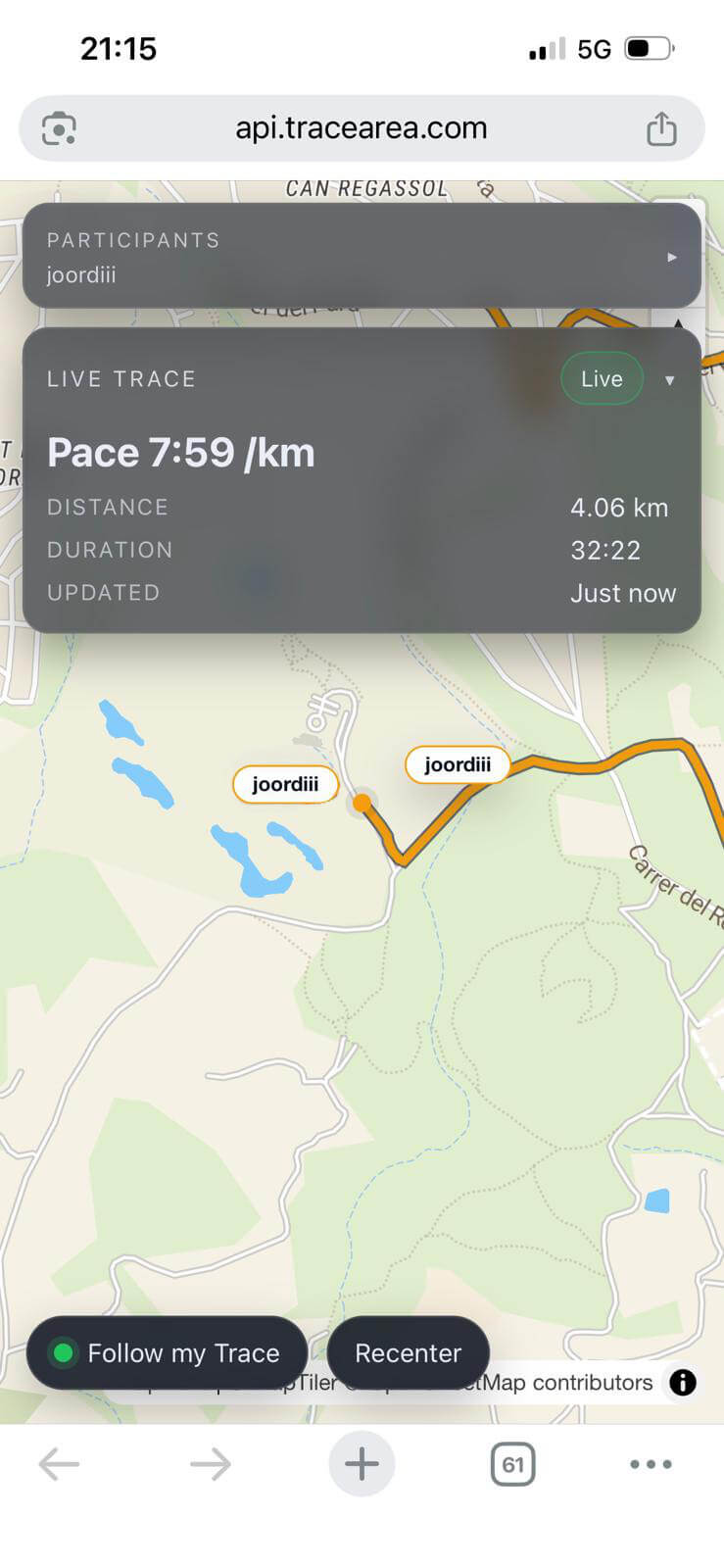
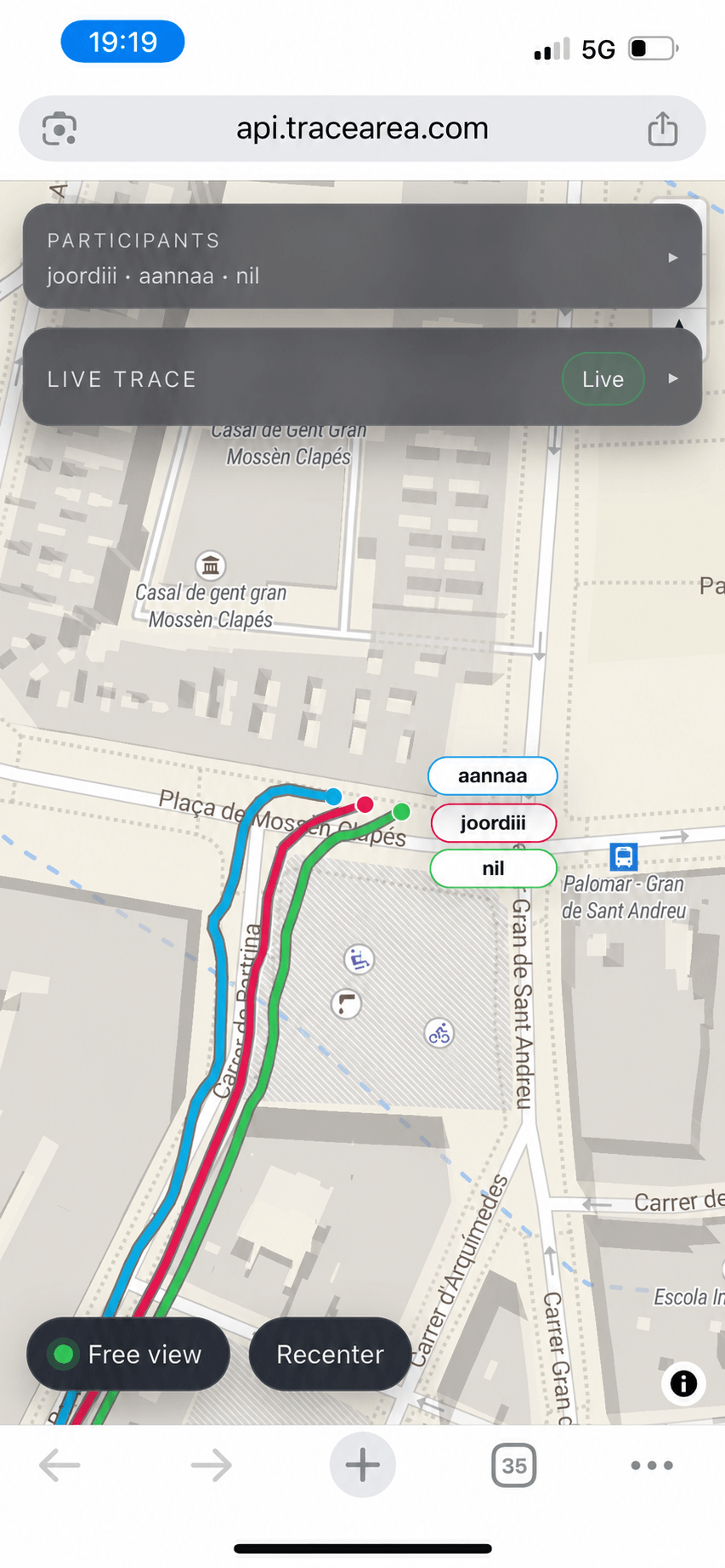
Group Live
Share with multiple people.
Generate a live link for a single follower and let them watch your route in real time from the web.
Activity recording
Run, ride, walk, or upload GPX.
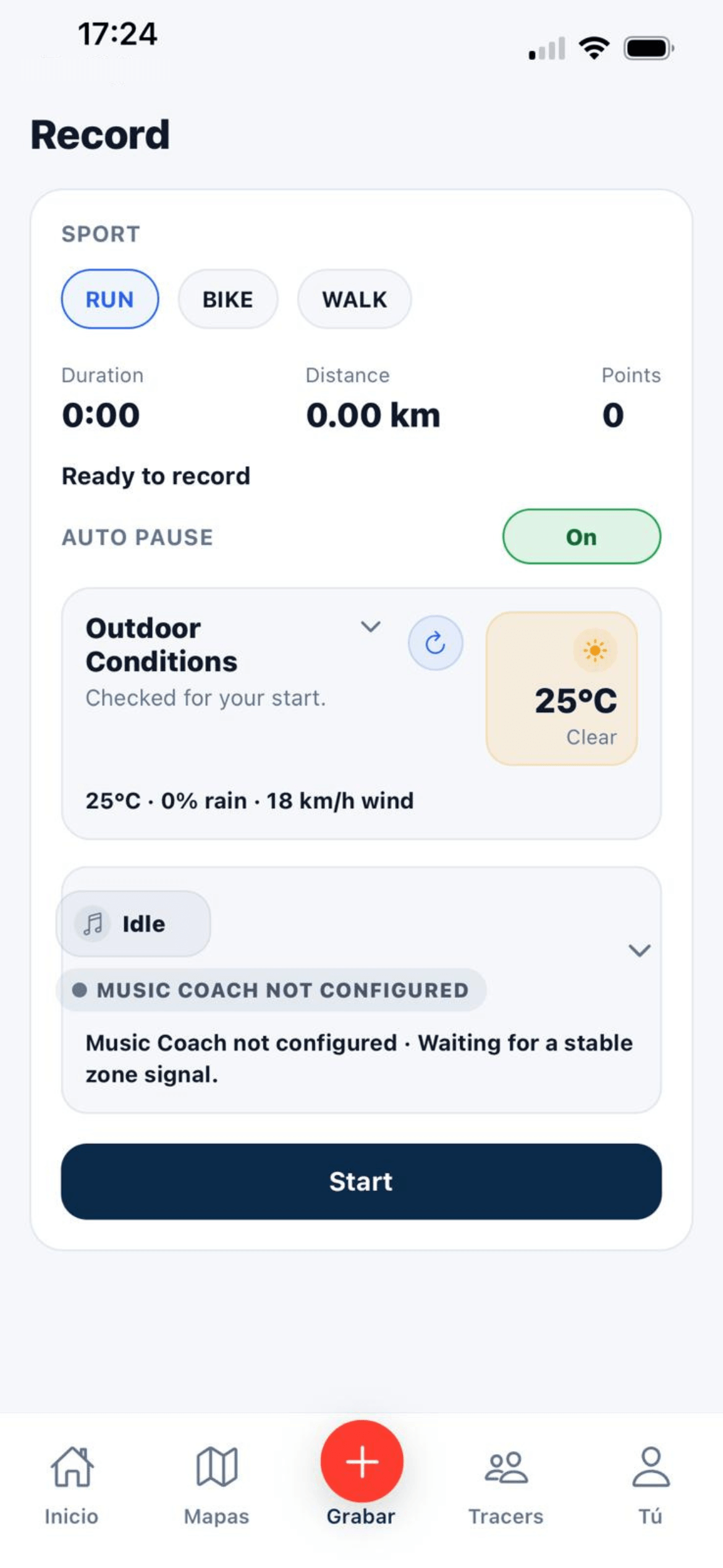
Capture sessions live in the app and convert every route into stats, territory, and history.
Territory Maps
Tracks and territory.
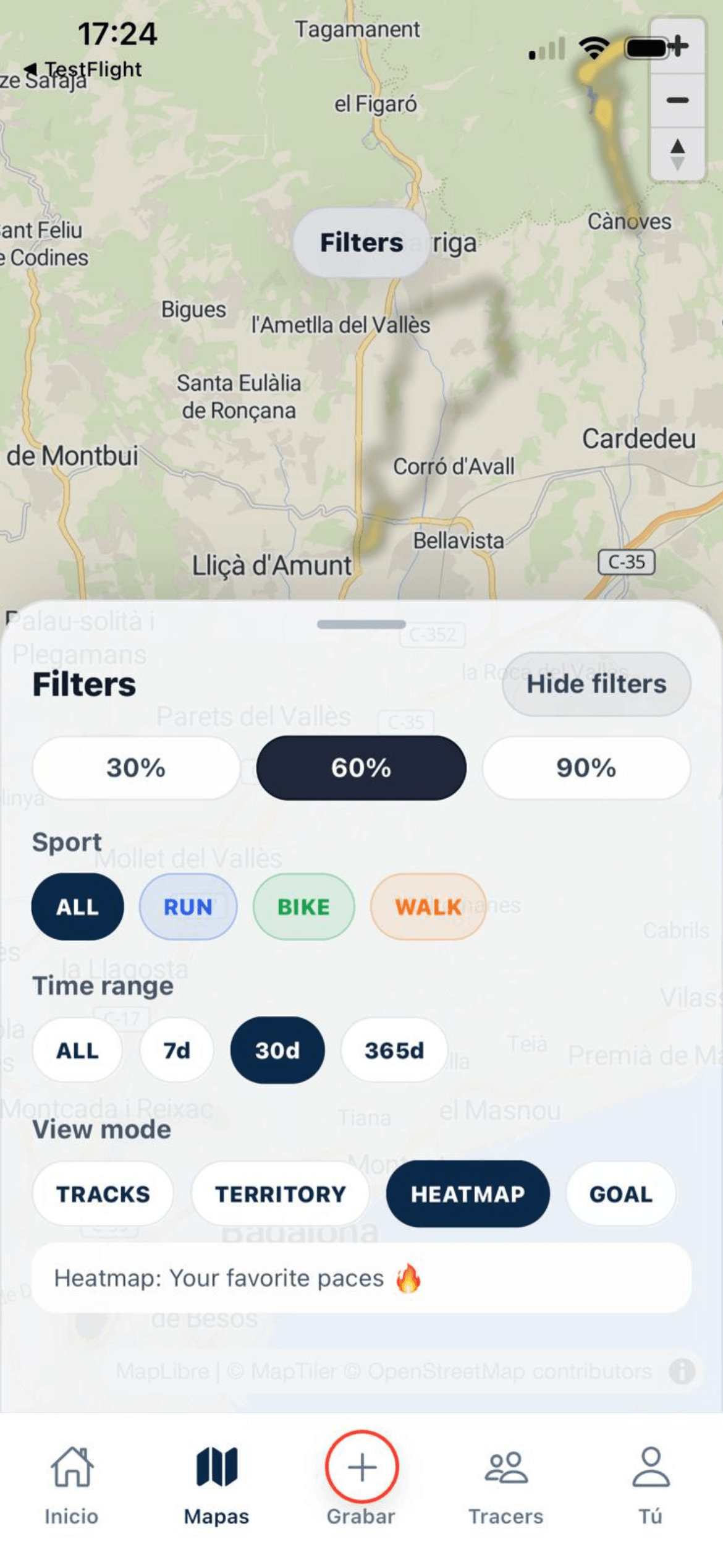
Move across Tracks and merged Territory views to understand each session and your total footprint.
Gear
Assign shoes or bikes to activities.
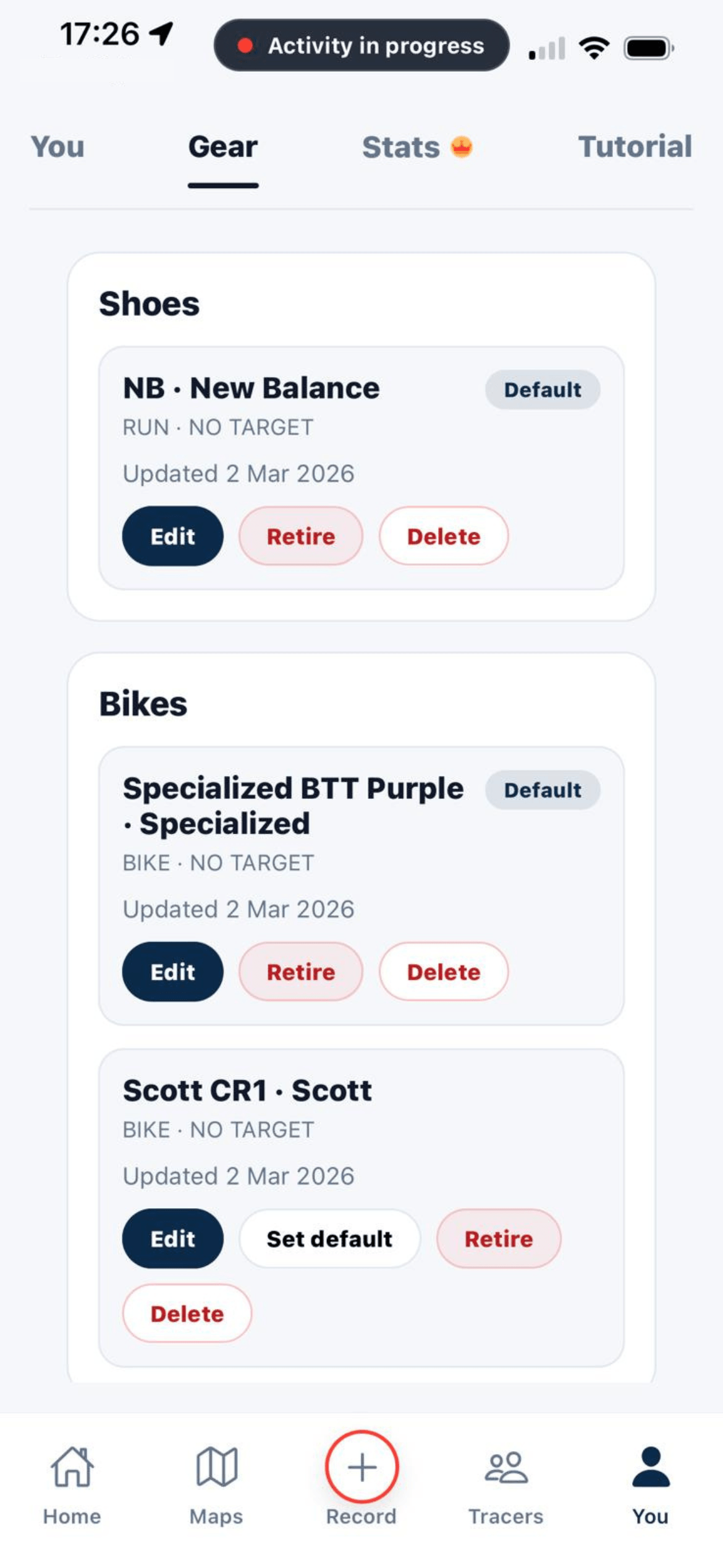
Save your gear once, attach it to finished activities, and keep equipment usage easier to review over time.
Tracers
Profiles, followers, and discovery.
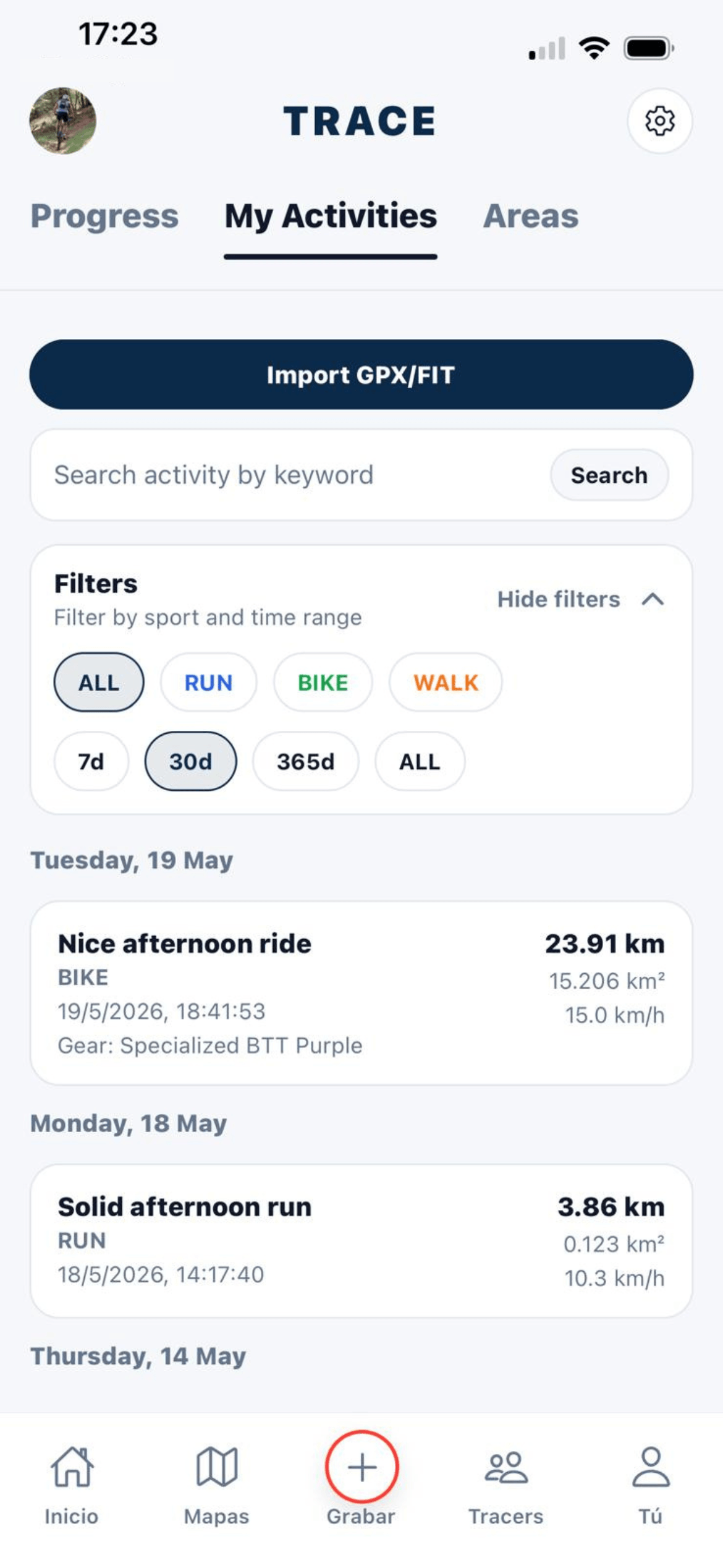
Follow other tracers, explore public profiles, and keep your crew close to your activity.
Goals Map
Custom polygons with a deadline.
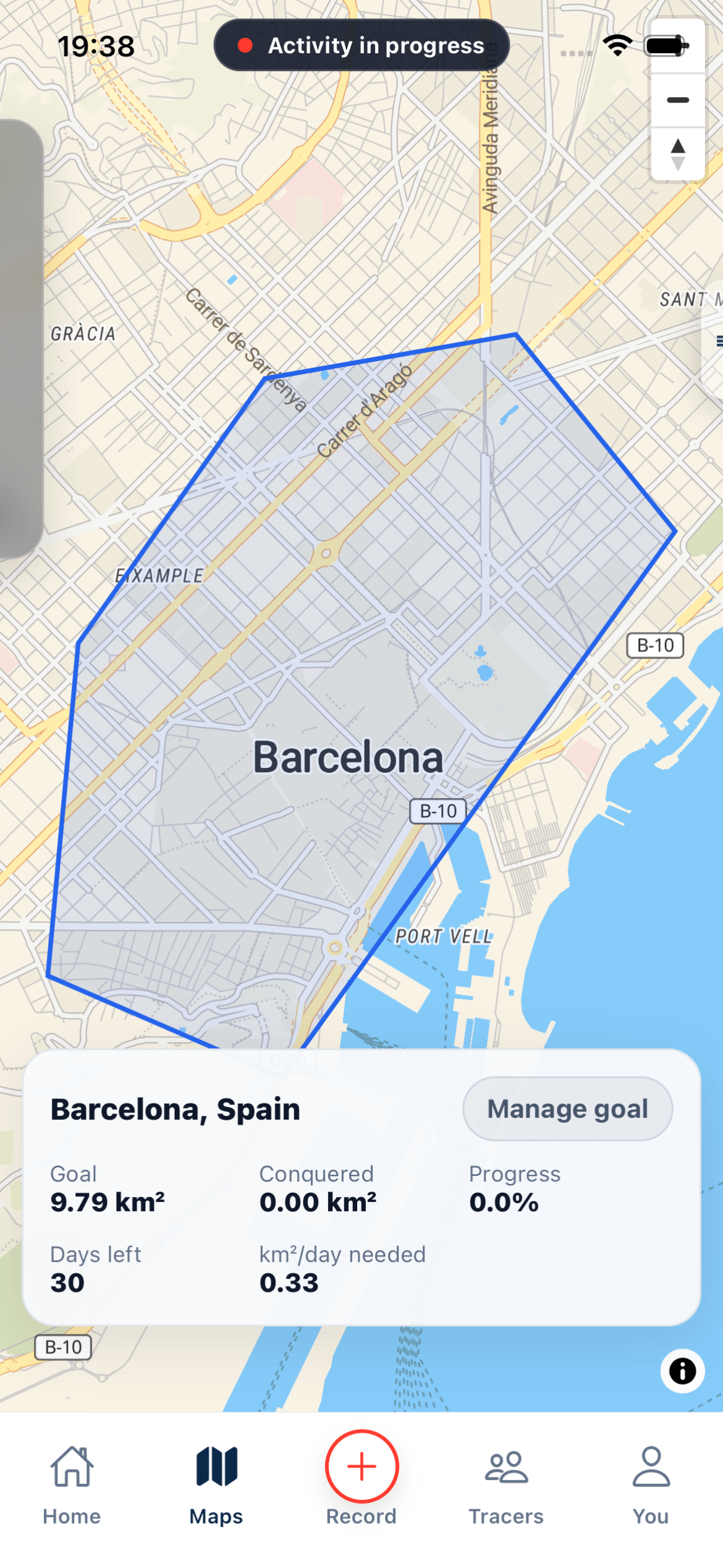
Search a place, draw the target area, choose the sport, and track how much territory is left.
Share My Trace
Private live sharing for one person.
Generate a live link for a single follower and let them watch your route in real time from the web.
Group Live
Share with multiple people.
Create a group route where several people join and share every participant position together on the same live map.
Flow Mode
Replay a route with guidance.
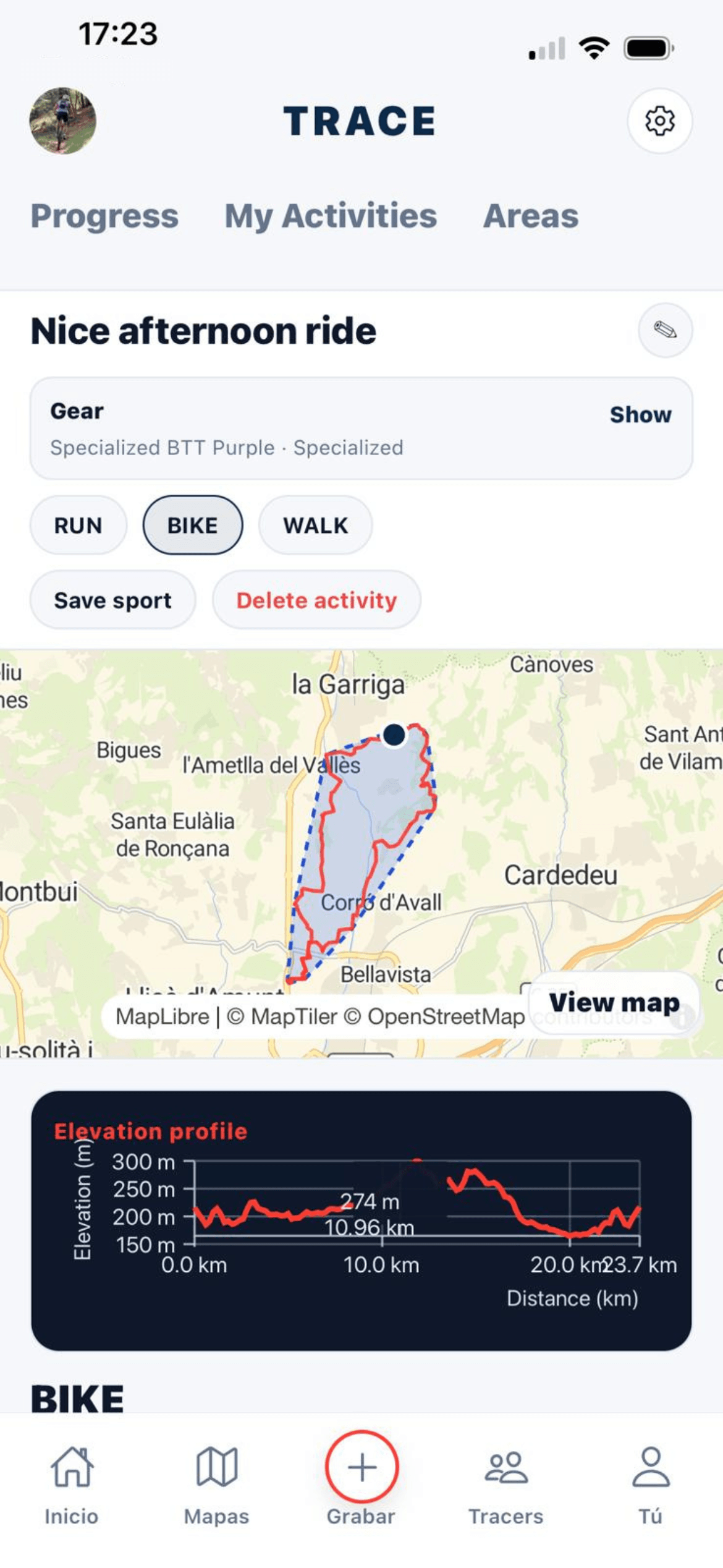
Follow a previous route with corridor alerts, wrong-direction detection, follow/free camera, and return-to-route help.
Music Coach
Effort-aware music switching.
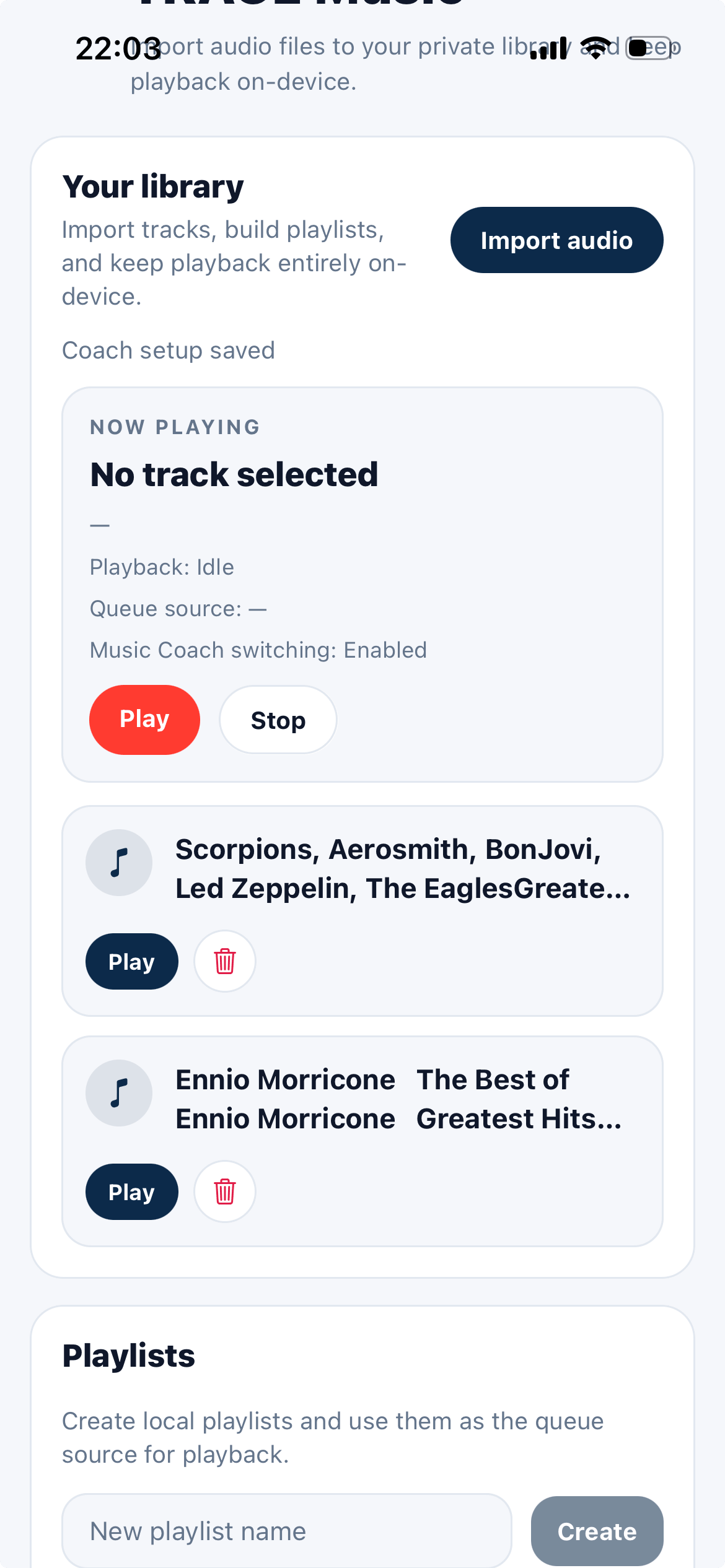
Switch between warm-up, tempo, push, and recovery packs using pace or cadence zones.
Progress Signals
Distance, area, streaks.
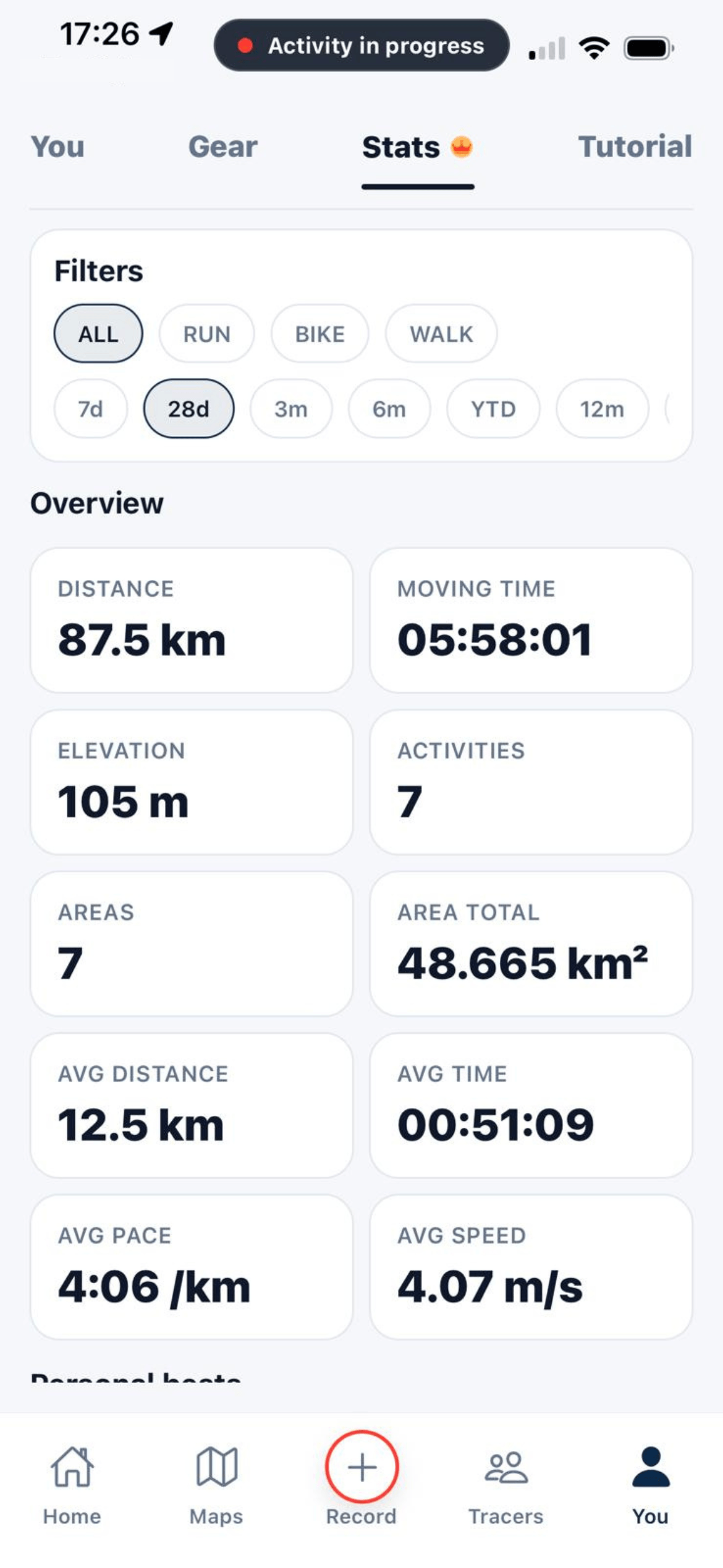
Measure the territory you own.
Safety Trace SOS
Hold for 2 seconds while recording.
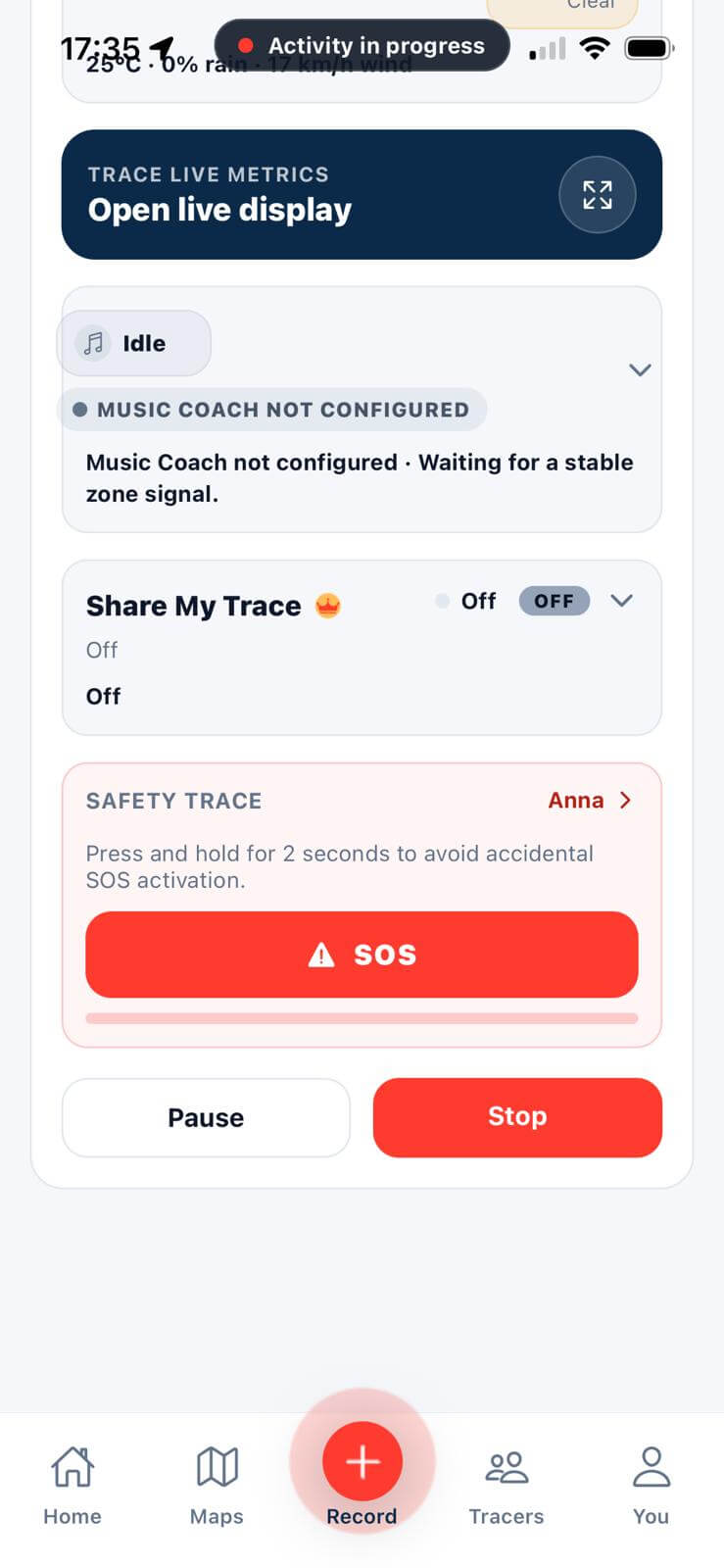
Set your emergency contact and message, then trigger call, SMS, or share with live location directly from Record and the fullscreen live display.
Tutorials
Need help using these features?
Open the Help center to see quick step-by-step tutorials for each Trace function.
Go to Help