Tutorial 8
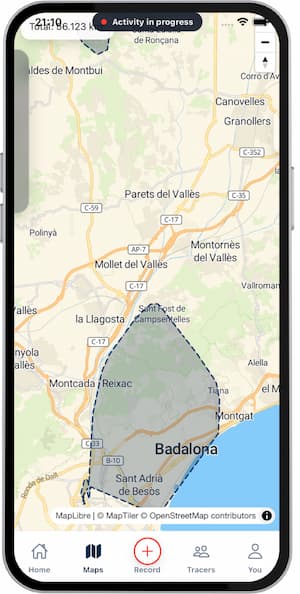
Understand conquered areas
Learn how Trace calculates explored territory from your routes.
Overview
Trace converts route coverage into conquered territory, so progress is measured by explored area, not only distance.
Steps
- Open
Maps. - Switch to
Territoryview. - Check your total conquered area.
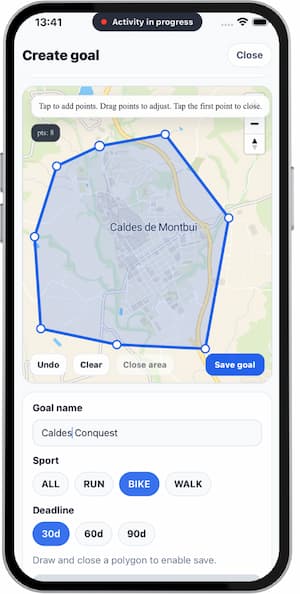
- Create a map goal if needed.
- Record activities inside your target zone.
Tips
- Use varied routes to expand area faster.
- Avoid repeating the same streets if area growth is the priority.
- Split goals by district for better focus.
FAQ
Is area the same as distance?
No. Distance tracks movement volume, area tracks coverage.
Why did area barely increase?
You likely repeated already covered streets.
Can I have multiple area goals?
Yes, depending on your current app plan and setup.
Screenshots
Screenshots
Was this helpful?